Video translation, subtitles and AI dubbing.
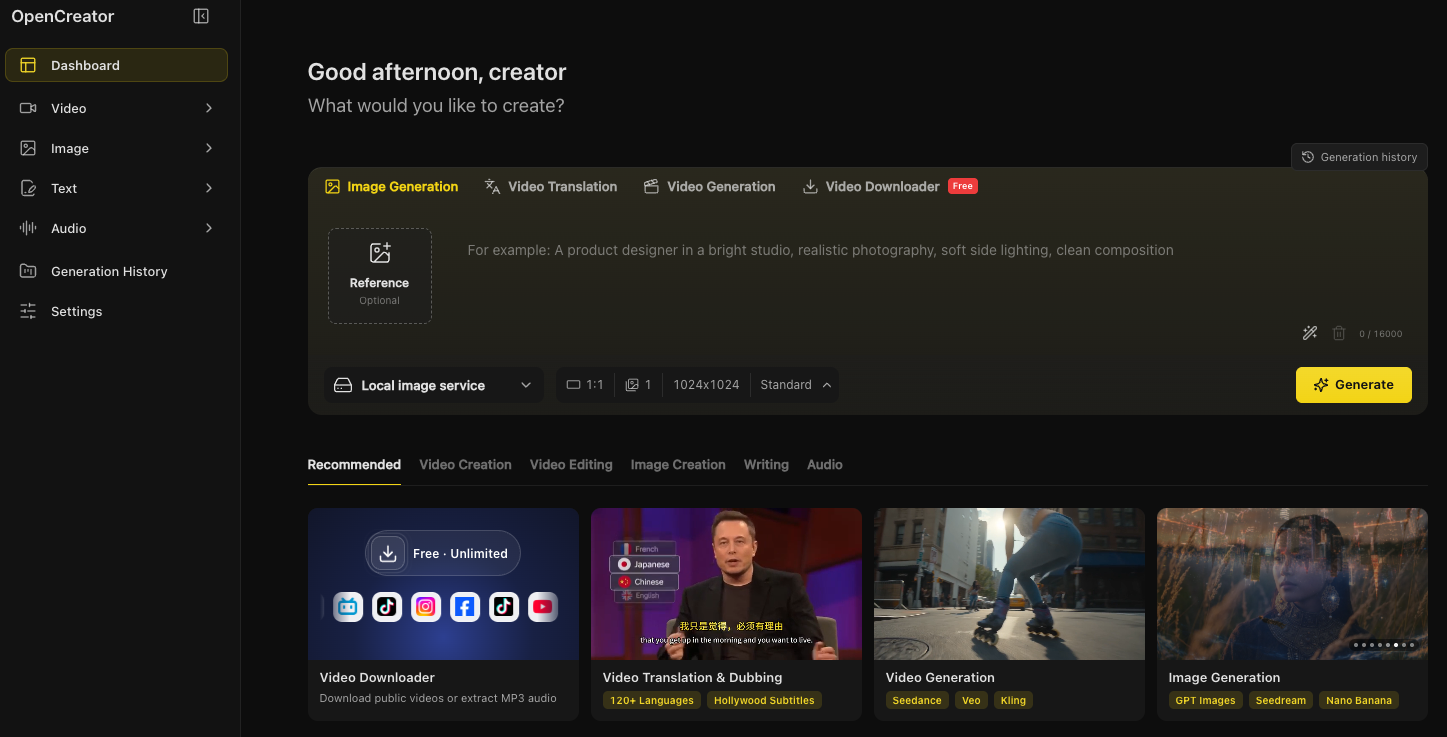
Bring a video to a new audience without rebuilding it from scratch. OpenCreator, formerly KrillinAI, brings transcription, subtitle translation, optional AI dubbing and video composition into one desktop workspace.
What can you translate?
Start with a local video or a public video URL from a supported platform. If you already have subtitles, import an SRT file and translate it without a video source or video rendering.
Video translation offers 123 source languages and 124 target options, including pinyin output. Speech recognition and dubbing coverage depend on the selected service and model.
From source video to translated output
- Add your source. Open Video Translation and import a video, a supported URL or an SRT file.
- Choose languages and services. Configure a text model and transcription service. Add a speech service if you want translated dubbing.
- Review the result. Check subtitles against playback, the waveform and the timeline; adjust text, subtitle styling and output settings.
- Generate your output. Use the subtitle and video outputs available in the workspace, keeping previous versions when creating a new result.
Subtitle translation or video translation with dubbing?
Choose subtitle translation when you need translated SRT text and timing. Choose video translation with dubbing when you also need speech in the target language. Dubbing and composition are optional, so you can prepare subtitles before deciding how to finish the video.
OpenCreator is free and open source. Cloud translation, transcription and speech providers may charge for usage; using your own API key does not make model calls free or offline.
Frequently asked questions
Can I translate subtitles without a video?
Yes. Import an SRT file in the subtitle translation workflow. It does not require a video source, dubbing or video composition.
Does video translation always include dubbing?
No. You can translate subtitles alone or enable dubbing with a configured speech service. Supported voices and languages depend on that service and model.
Is this the KrillinAI video translation project?
OpenCreator was formerly named KrillinAI. Its Video Translation workspace brings the established subtitle translation and dubbing workflow into a broader AI creative workspace.