Video downloads, ready for your next edit.
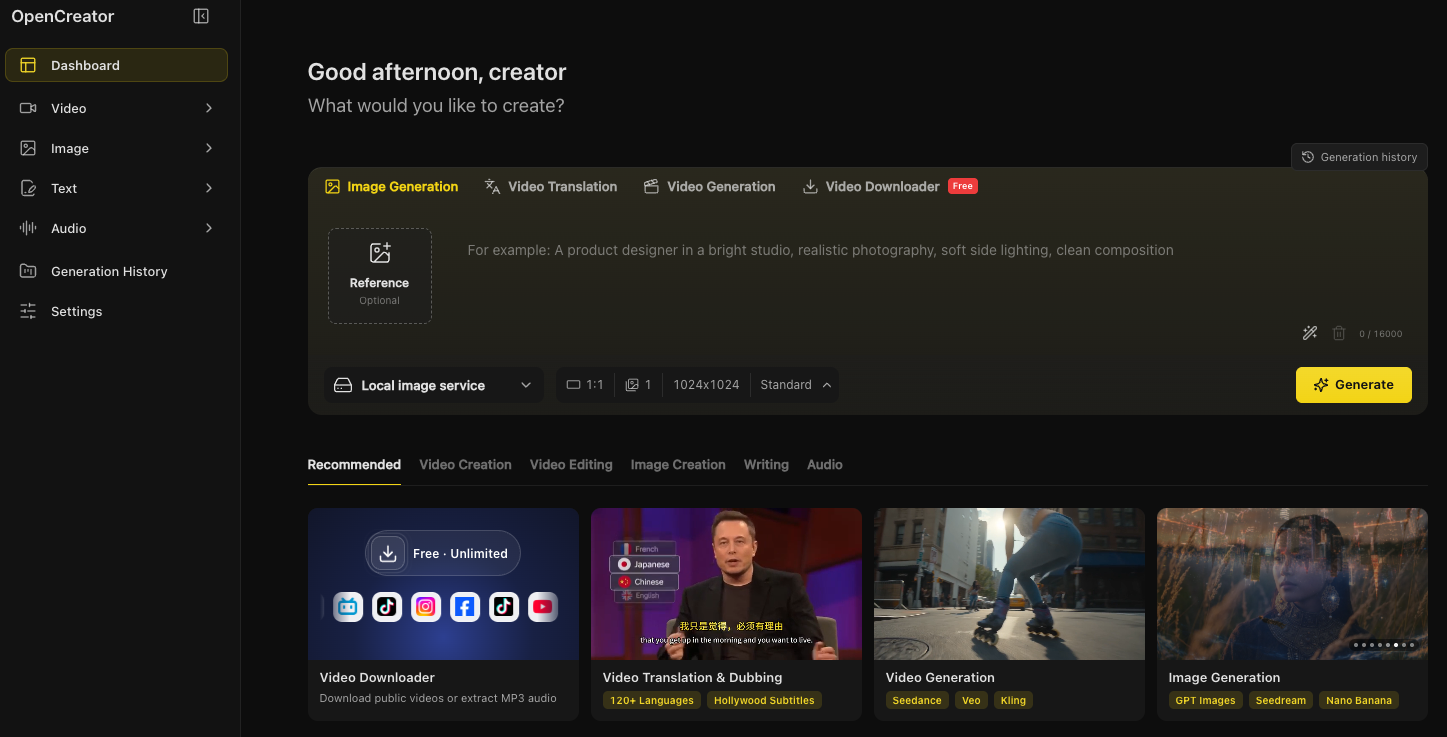
Analyze a public video link, compare the formats the source makes available and save video or audio to your project. OpenCreator keeps video downloading and your next translation or editing step in the same desktop app.
Which video platforms are supported?
Video Downloader supports individual public videos from YouTube, Bilibili, X, TikTok, Instagram, Douyin, Facebook, Xiaohongshu, Pinterest and Reddit. Some sources may require platform cookies.
Available formats, resolution, audio and subtitles depend on the source video, platform access and the parser version. It does not promise access to every URL or bypass private-content permissions.
How to download a video or audio
- Paste a public video URL. Open Video Downloader from the Dashboard and analyze the link.
- Compare available formats. Choose an available video or audio format for your source.
- Save the result. Download to your project. When the platform provides subtitles, inspect the list and download SRT.
- Keep creating. Use the downloaded material as input to a separate video translation or editing task.
When a video link cannot be downloaded
Check that the source is accessible, confirm your network or proxy settings and inspect yt-dlp under Settings → Third-party Components. If the parser is out of date, use the explicit update action in the app. Some sources require cookies for your own authorized session.
Download only material you have permission to use and follow the source platform’s terms. The app is free and open source; any model services used in later translation or dubbing tasks may have separate costs.
Frequently asked questions
Can I download audio without the video?
Yes. After analyzing a supported public video link, choose an available audio format. The available choices depend on the source.
Can I download SRT subtitles?
When the platform exposes subtitles for that video, you can inspect the subtitle list and download an SRT file. Not every source provides subtitles.
Does every video URL work?
No. Support depends on the source platform, access permissions, network conditions and yt-dlp version. Some platforms require cookies, and private or restricted sources may be unavailable.