Skip the blank prompt
Image, video, and cover templates created by our team and curated from popular third-party sources, with example results, prompts, and settings.
Choose a template Adjust settings Create

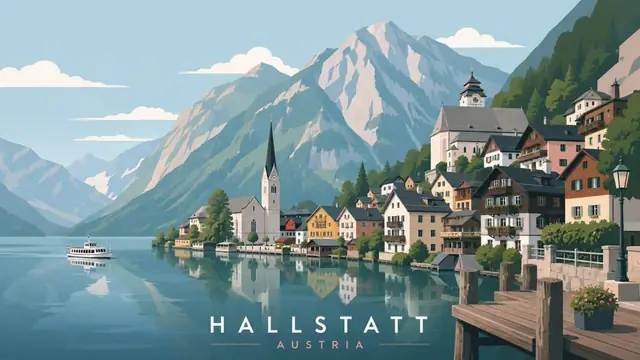

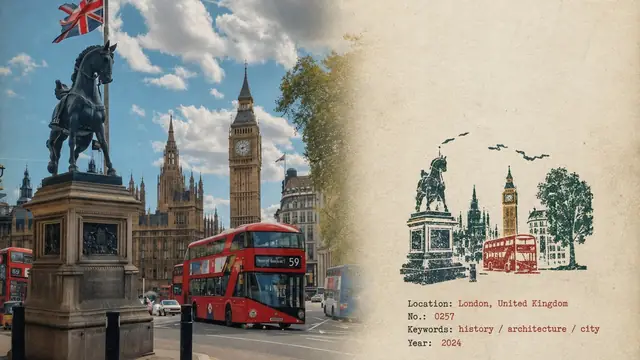
The open-source AI studio for creators
Turn ideas into videos, images, voiceovers, and translations in minutes, with AI Agents in one workspace.
12,029 GitHub stars from creators and developers in 100 countries
A tribute to the greatest creators in history.
Tell the Agent what you need. The workspace sets it up, runs it, and hands back the finished video.
Create subtitles, dubbing, and videos in multiple formats
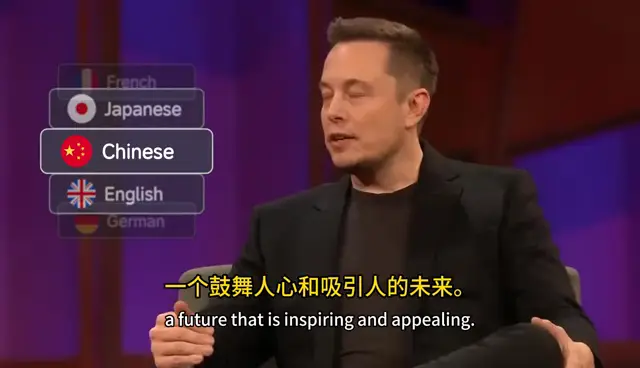
Set translation languages
Video & subtitles
Preparing the video source
Vincent van Gogh, Almond Blossom, 1890 · Public domain
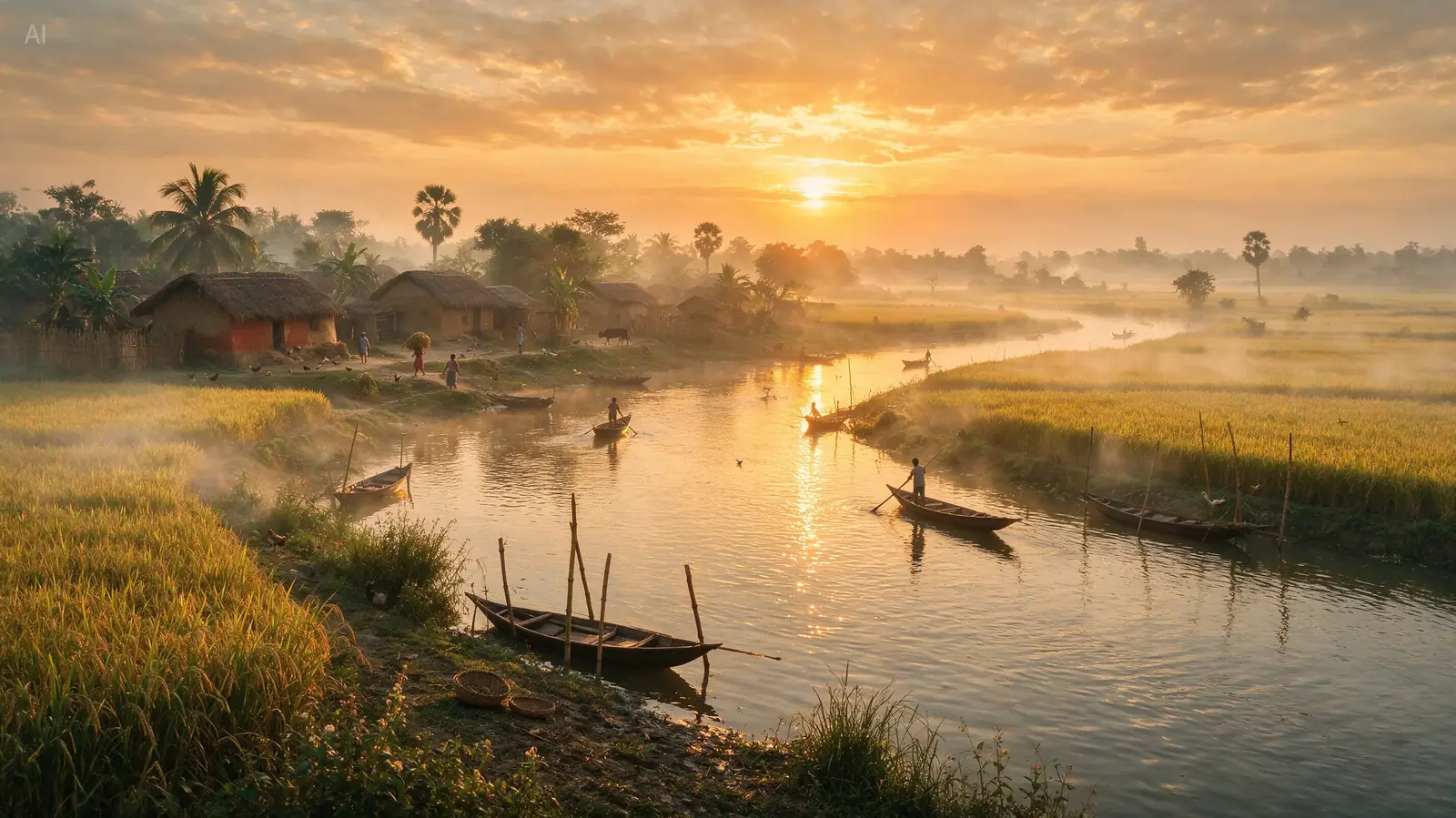 Seedream 5.0 Pro
 GPT Image 2.5
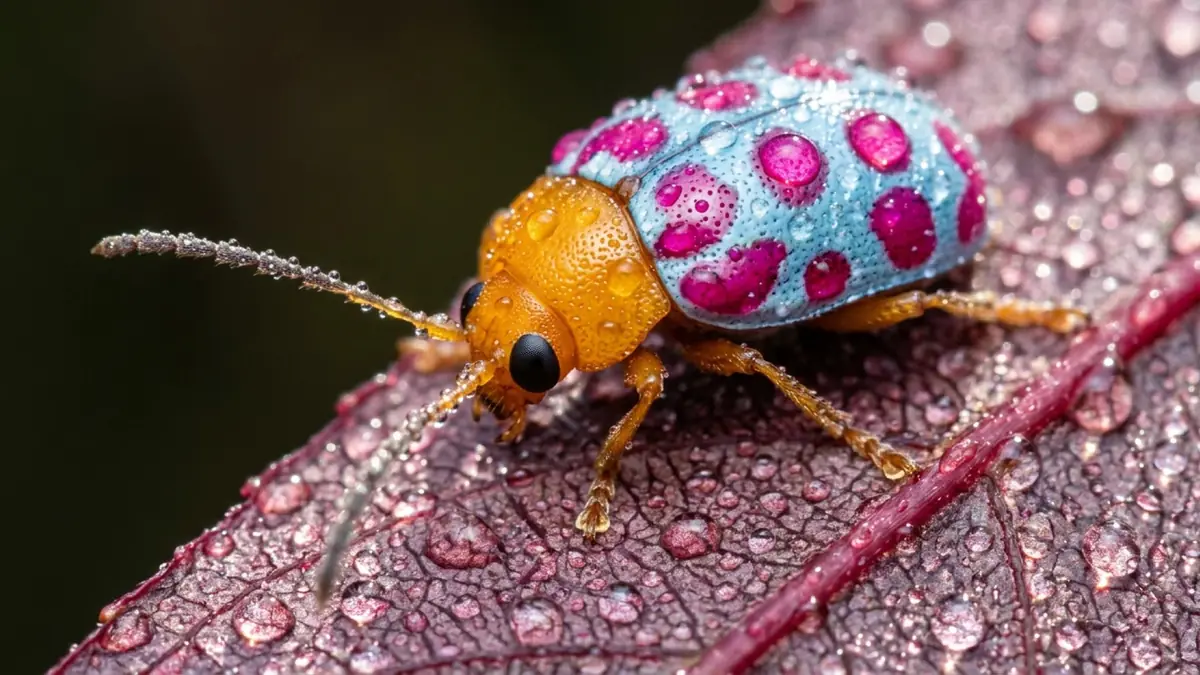 Nano Banana 2.1
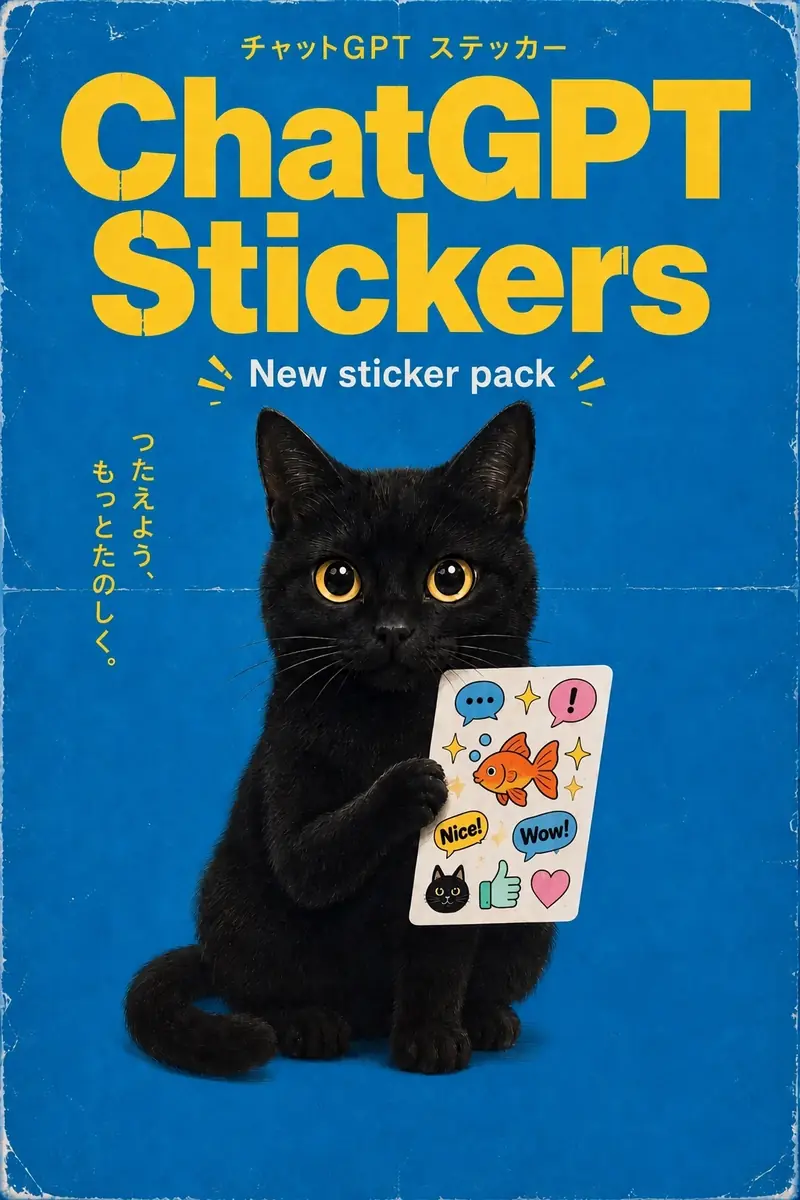 GPT Image 2.5
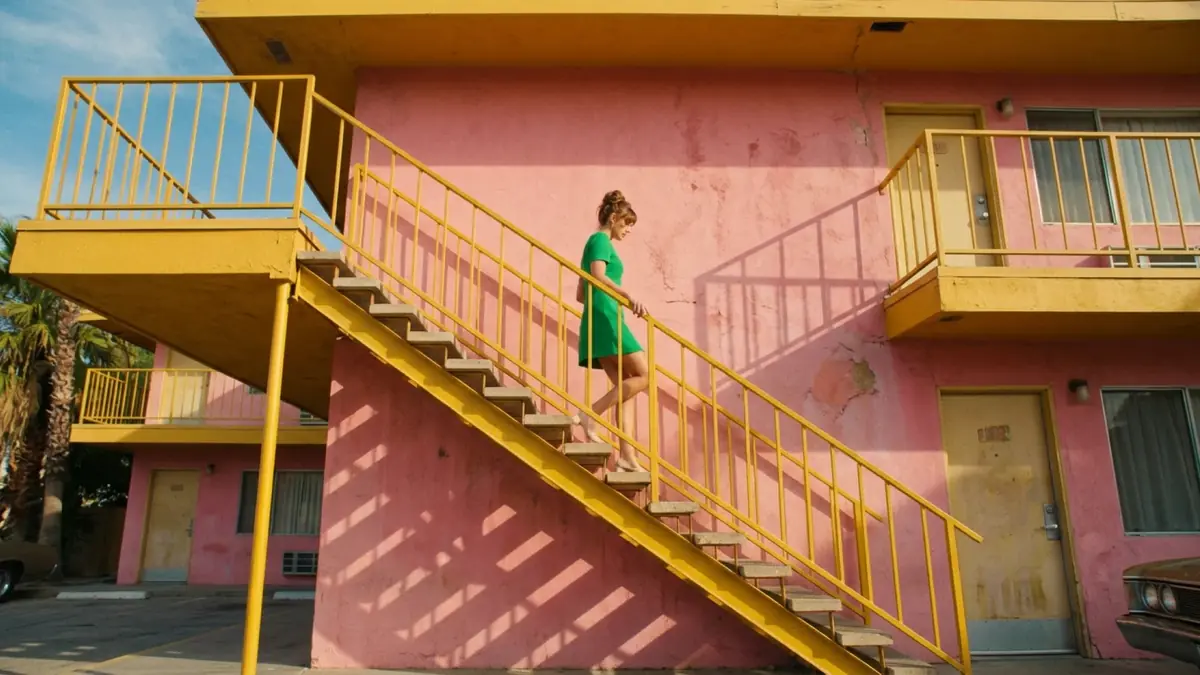 Nano Banana 2.1
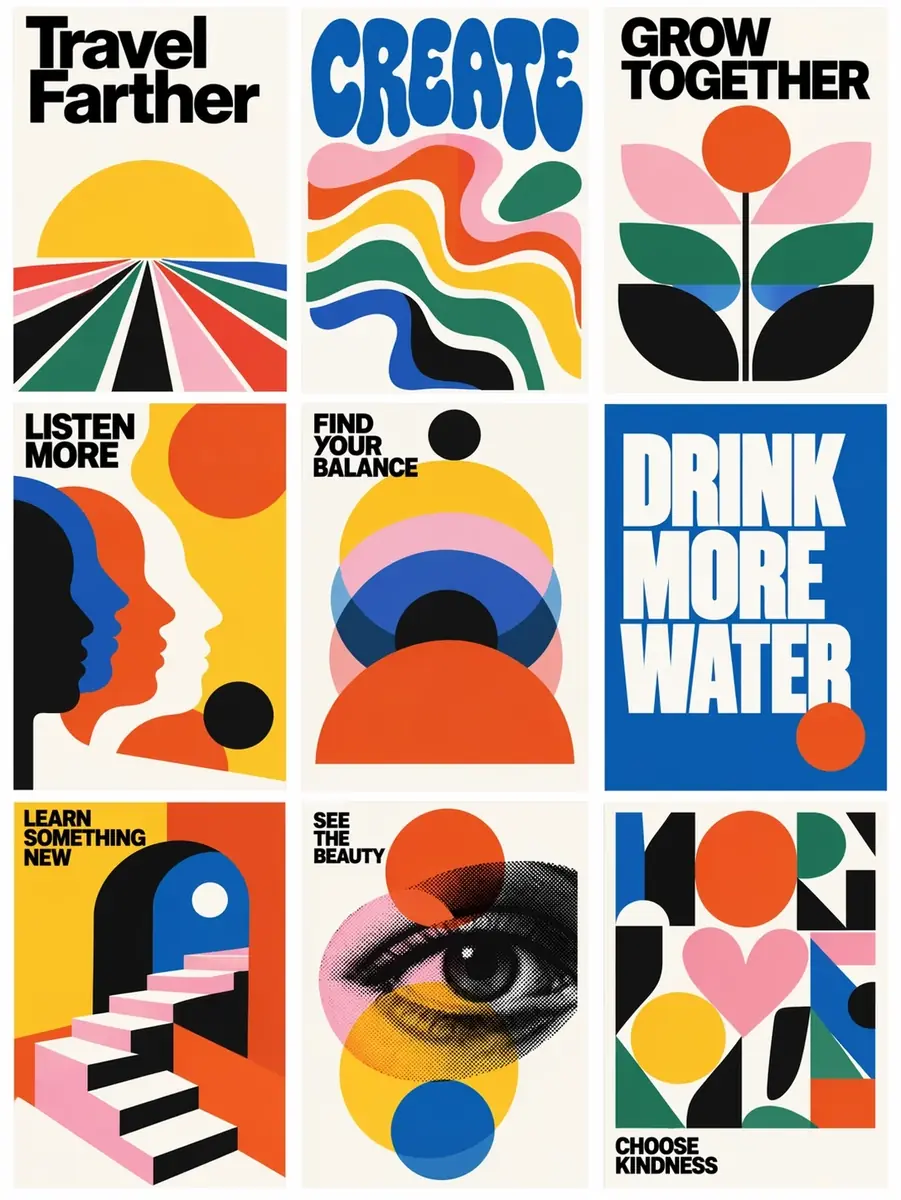 GPT Image 2.5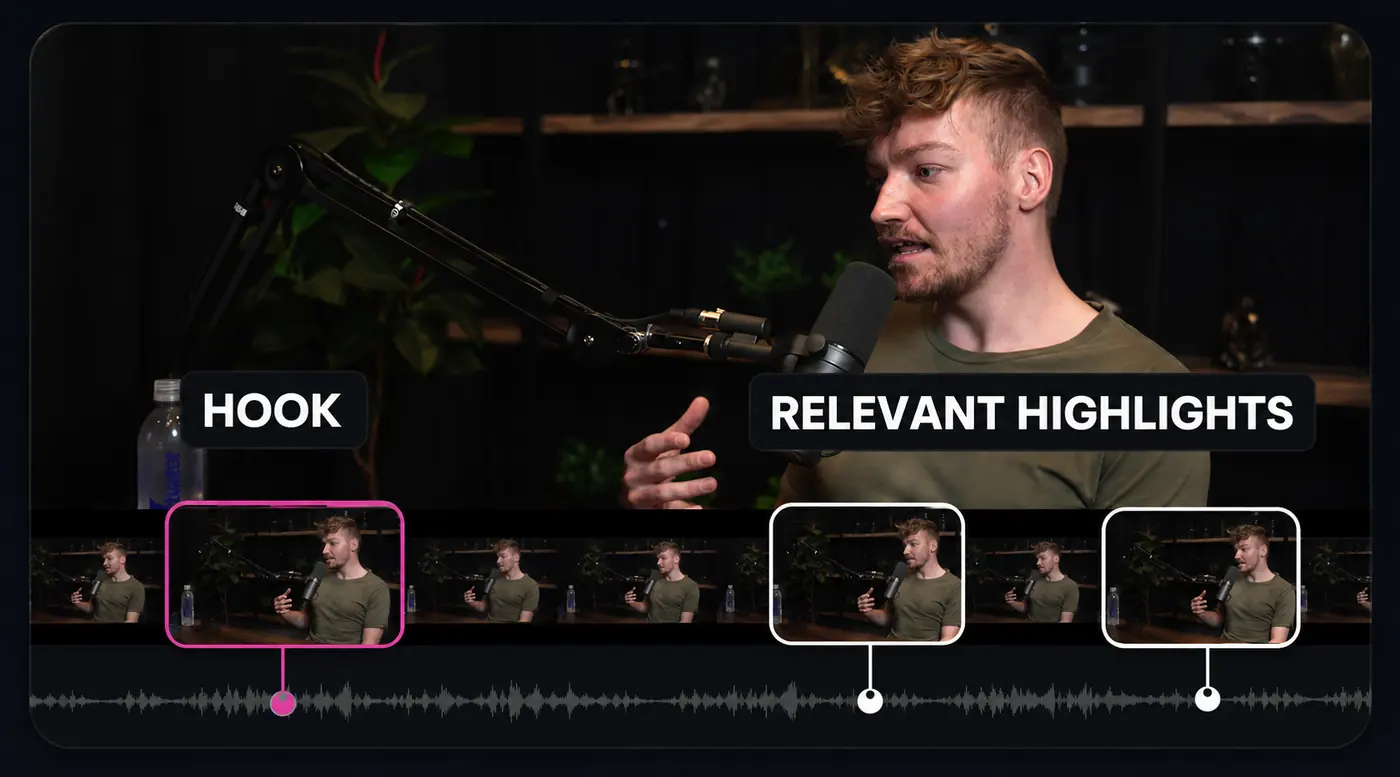
 OpenCreator characters
108 creation templates and a growing library of Agent Skills, so you never start from a blank prompt.
Image, video, and cover templates created by our team and curated from popular third-party sources, with example results, prompts, and settings.
Choose a template Adjust settings Create
Reuse workflows for subtitles, dubbing, covers, and rendering. Write your own SKILL.md to connect the tools you already use.
krillinai-subtitleSubtitles & translationkrillinai-ttsVoice & dubbingkrillinai-coverCover creationkrillinai-render-vertical9:16 for Shorts & ReelsInstall the Skill and configure any services it needs before use.
One conversation drives every workspace: describe the change, and it fills in the settings.
Projects, files, and history stay on your machine. Apache-2.0 on GitHub.
Leading image, video, and audio models in one studio. The Agent picks the best one for each step, or you choose.
Video
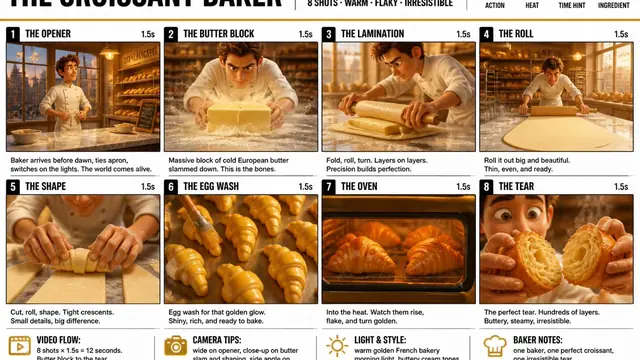
Cinematic shots with real camera moves and sound. Restyle, extend, and edit any shot.
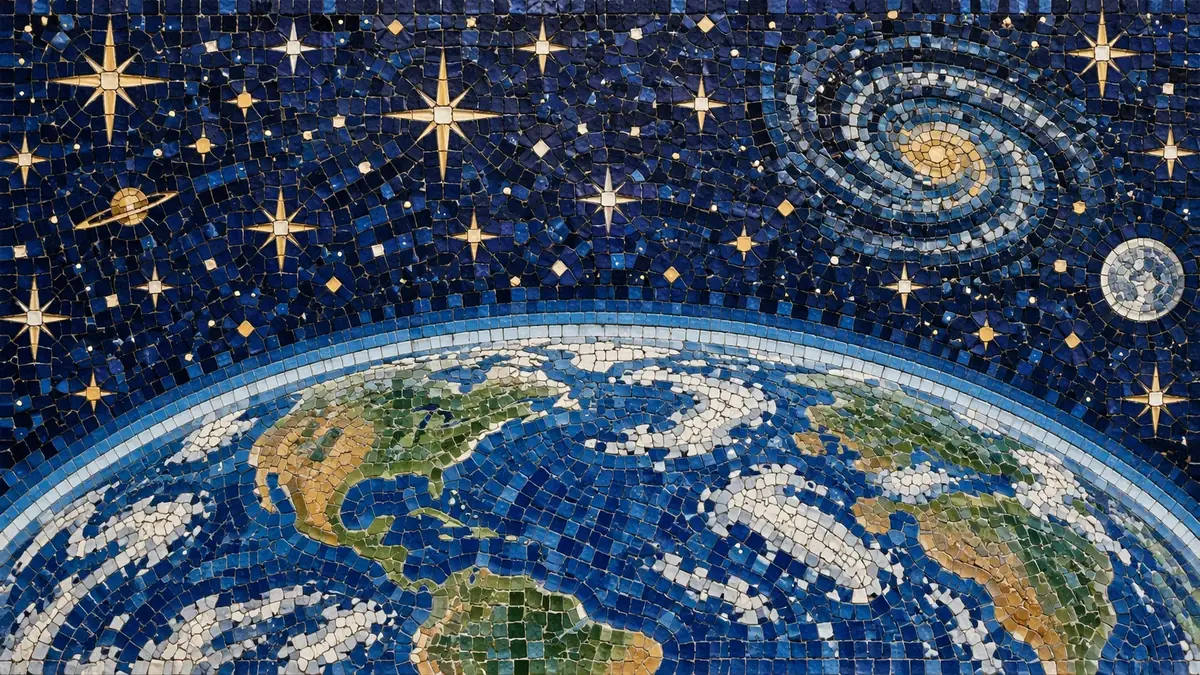
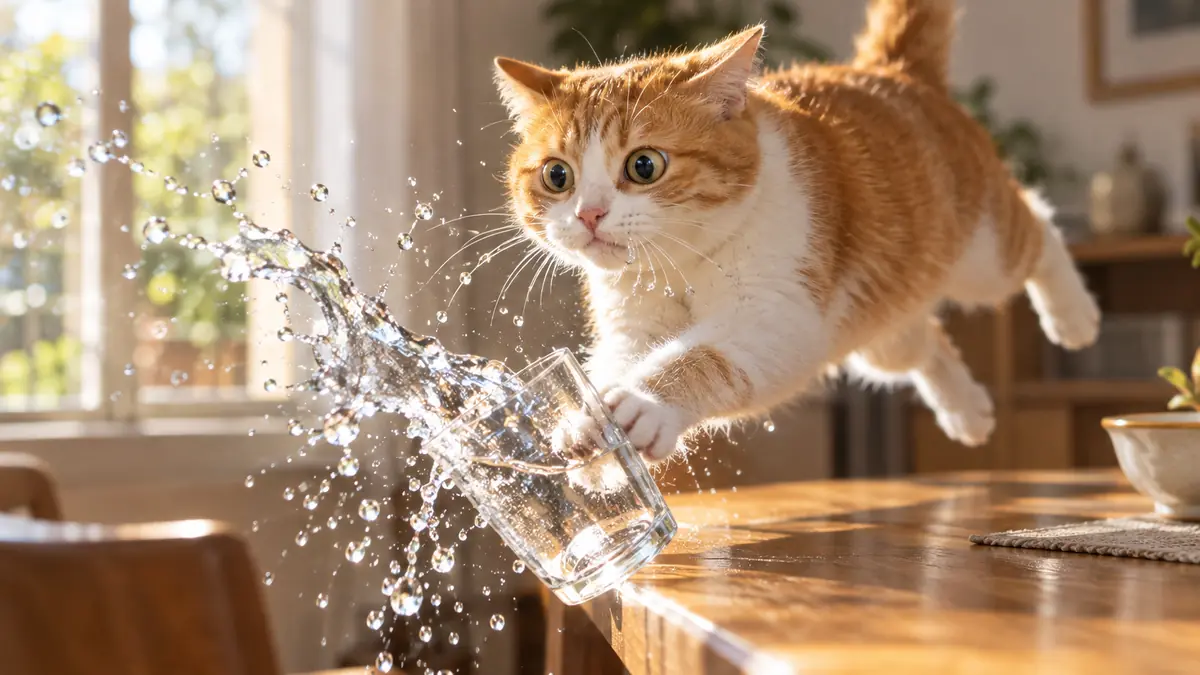
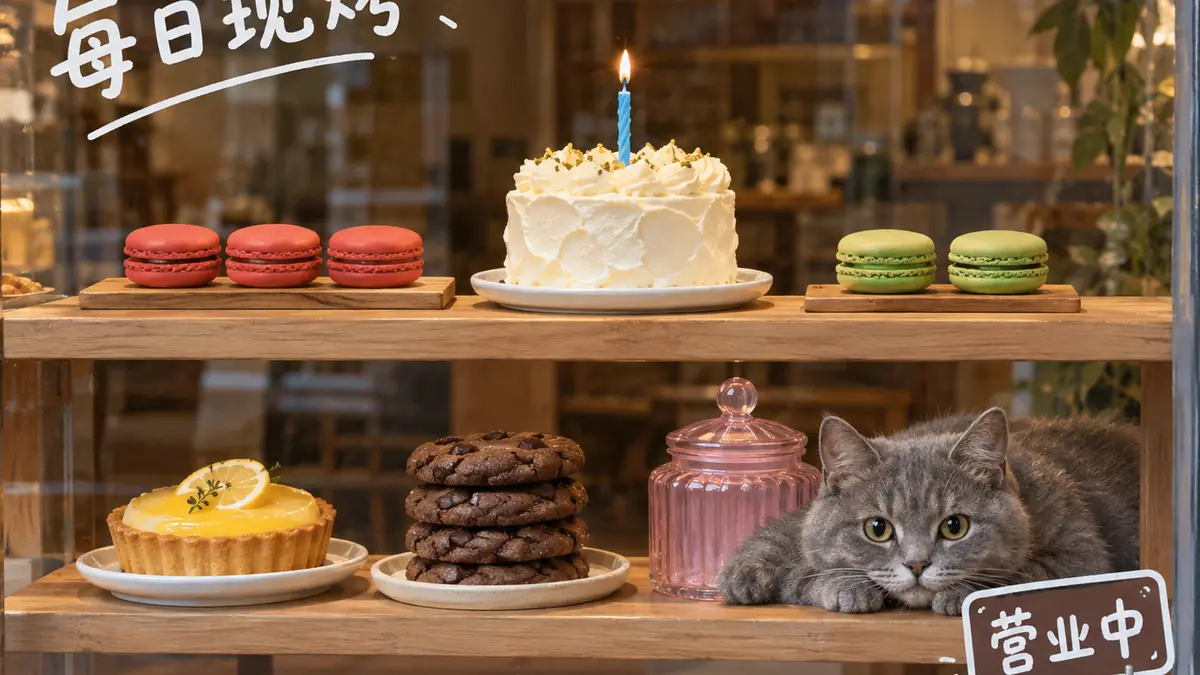
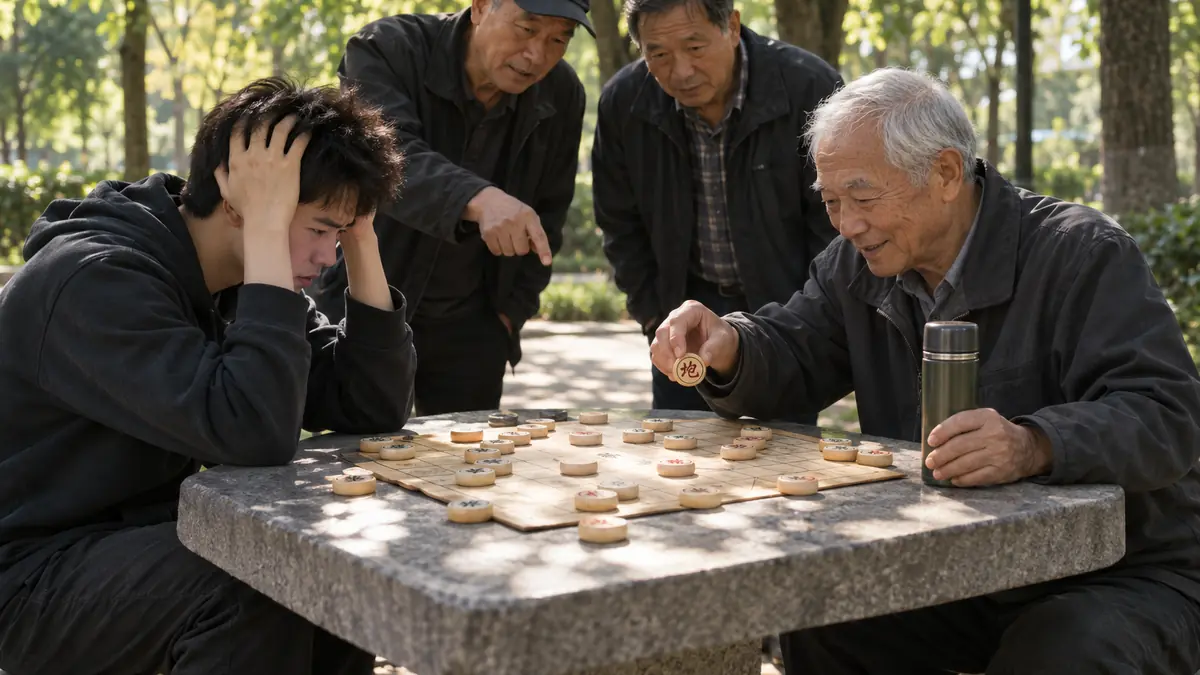
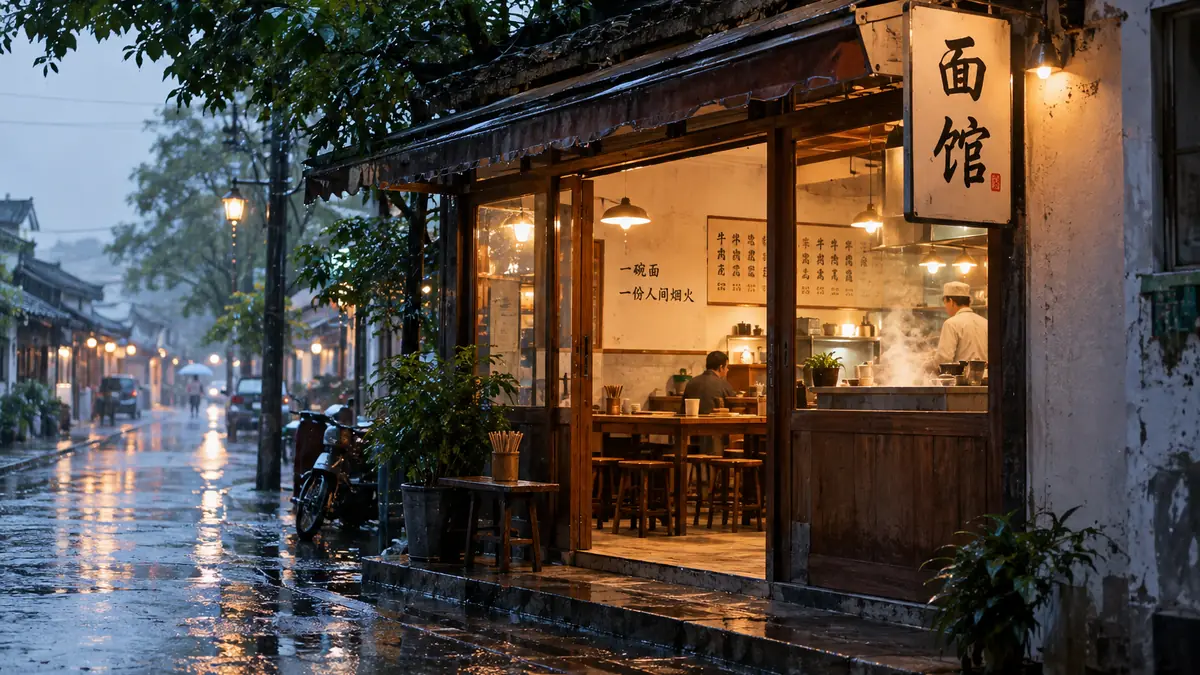
Image
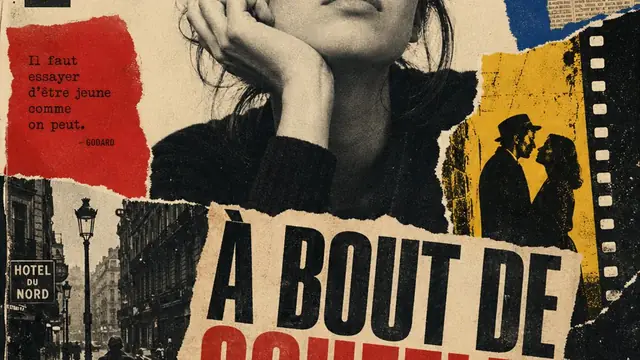
Posters, covers, and layouts with type that actually reads.
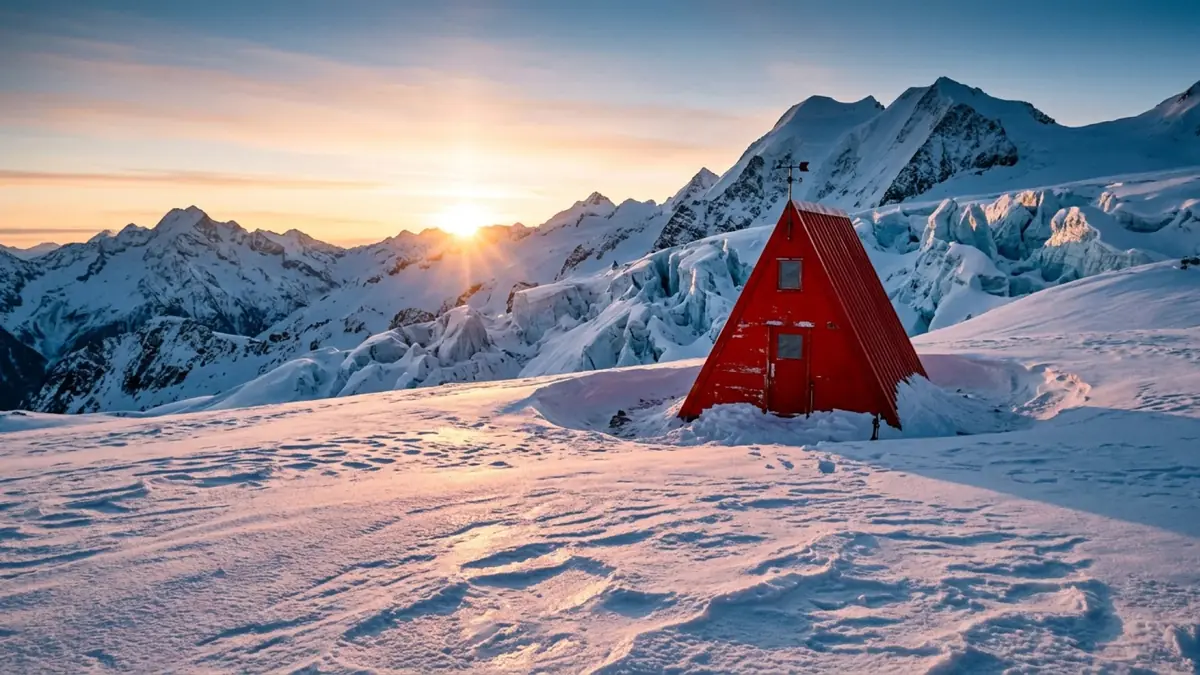
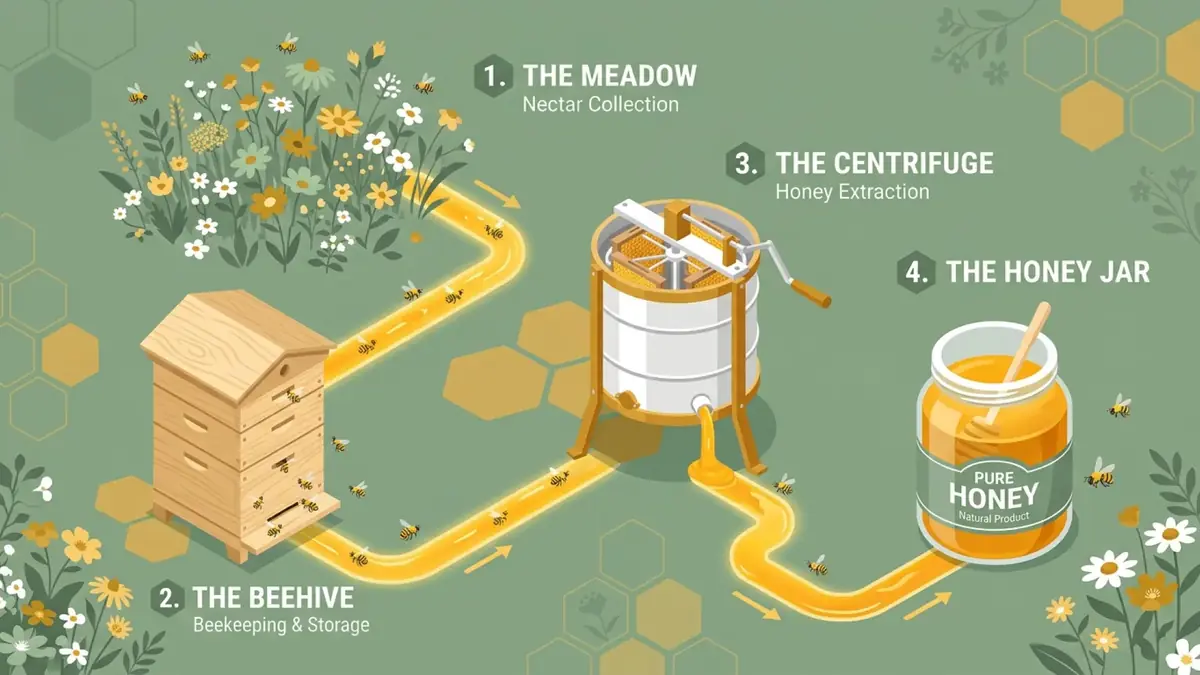
Image
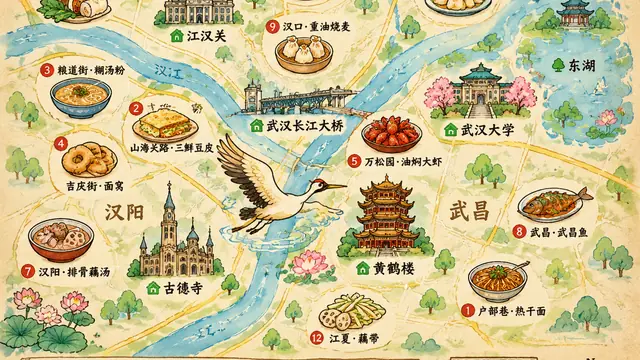
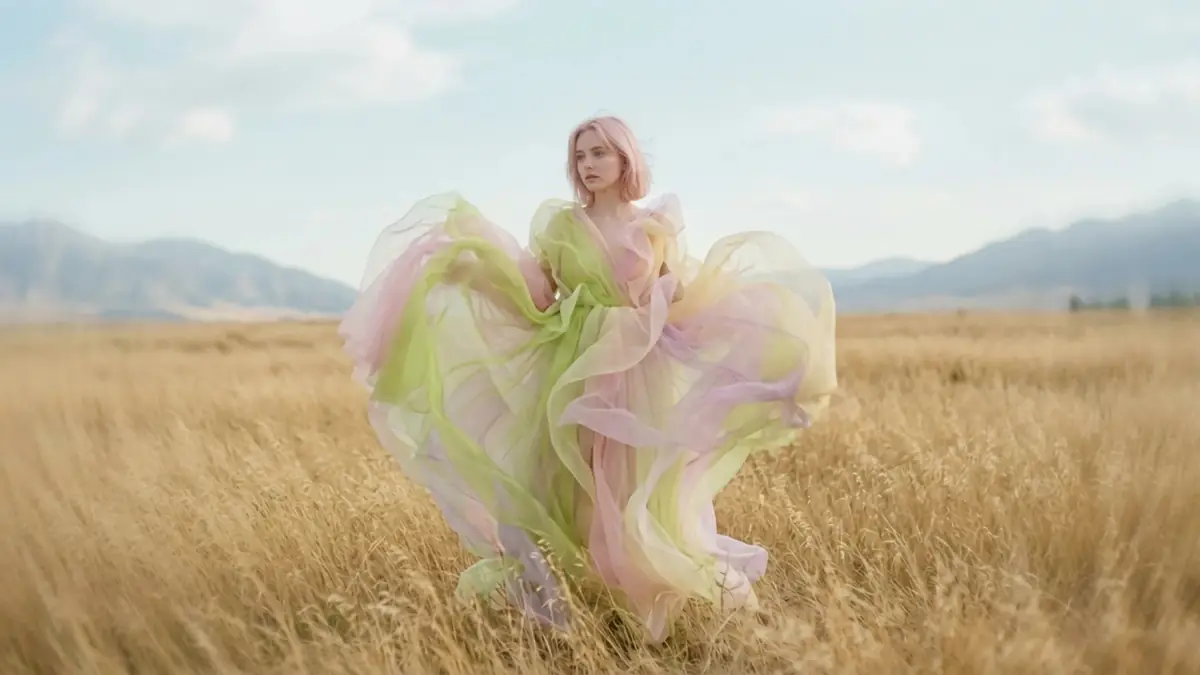
Photoreal scenes and fast edits that keep characters consistent.
Audio
Natural Chinese and multilingual dubbing, with voice cloning from a short sample.
Audio
Accurate transcription that becomes timed subtitles, locally or in the cloud.
Codex powers the Agent. Creative services are configured separately; availability depends on your account, service setup, and platform. Local transcription also supports faster-whisper, WhisperKit, and whisper.cpp. Video translation supports Volcengine ASR / TTS. Cases are creator-published examples.
See more examplesLoading contributor avatars.
Built in the open by 21 contributors. Join them
Claude Monet, Water Lilies, 1906 · Public domain
Quick answers about setup, data, and model services.
OpenCreator is an open-source AI workspace for creators that brings Agents, video, images, voice, translation, and smart editing into one creative workflow.
Installers are currently available for macOS on Apple silicon, macOS on Intel, and 64-bit Windows 10 or 11. A Linux desktop build is not yet available.
Projects, attachments, and runtime logs stay local by default. When you use an online model, the content required for that request is sent to your configured model provider.
After installing the desktop app, sign in to Codex or configure the model service used by the Agent, then add any required API Key, Base URL, and model under AI Services. Some services, including Edge TTS, do not require an API Key.
Yes. Text, image, video, voice, and transcription services can be configured independently, including services compatible with the OpenAI API.
Yes. OpenCreator is licensed under the Apache License 2.0, and its source code is available on GitHub. Third-party models and external services may charge according to their own pricing.
Free for macOS and Windows. Bring your own models, or use ours.
Claude Monet, Woman with a Parasol, 1875 · Public domain
